Documents.
Done here.
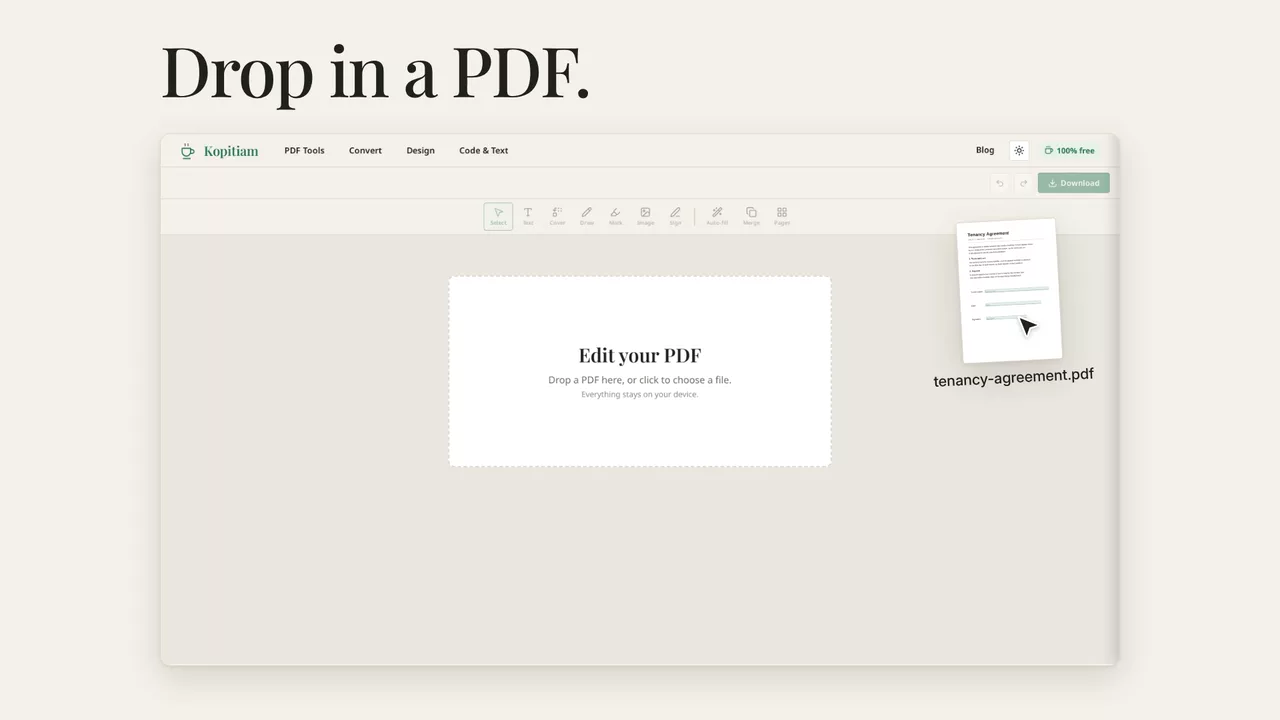
Edit, merge, split and sign your PDFs — free, right in your browser. Like getting your work done at the corner kopitiam.
Everything for everyday PDFs
Free tools that run in your browser. Nothing is uploaded.
Change what is on the page, or take it off for good.
Put the pages in the order you want.
Merge PDF
Combine several PDFs into one document.
Split PDF
Cut a PDF into separate files at your chosen points.
Extract Pages
Pull out just the pages you need into a new PDF.
Organize PDF
Reorder, rotate, and delete pages, then download.
Rotate PDF
Turn pages left, right or 180° — free, in your browser.
Add Page Numbers
Stamp page numbers in any corner — free, in your browser.
Smaller files, or a different format.
Compress PDF
Shrink a PDF to share or upload — free, in your browser.
PDF to Black & White
Turn a colour PDF into black and white, free, in your browser.
JPG to PDF
Turn JPG and PNG images into a PDF — free, in your browser.
PDF to JPG
Turn each page into a JPG or PNG image — free, in your browser.
File to PDF
Turn a Word doc or images into a PDF.
PDF to Word & text
Turn a PDF into Word (.docx), plain text, or Markdown.
Beyond PDFs.
Design Editor
Add text, shapes and images to a canvas and export to PNG, JPG or SVG.
Markdown & Code Editor
Open .md, code and text files with syntax highlighting and a live Markdown preview, then download.
View DOCX
Open and read a Word document — no Office needed.
Edit DOCX
Edit the text of a Word document, keeping everything else.
View slides
Open and read a PowerPoint deck — no Office needed.
Edit slides
Edit the text of a PowerPoint deck, keeping everything else.
Free, always
No sign-up and no paywall on the tools. Ads keep it free.
Private by default
Editing happens in your browser — your files never leave your device.
No install
Open a tab, drop a file, get it done. Works anywhere.